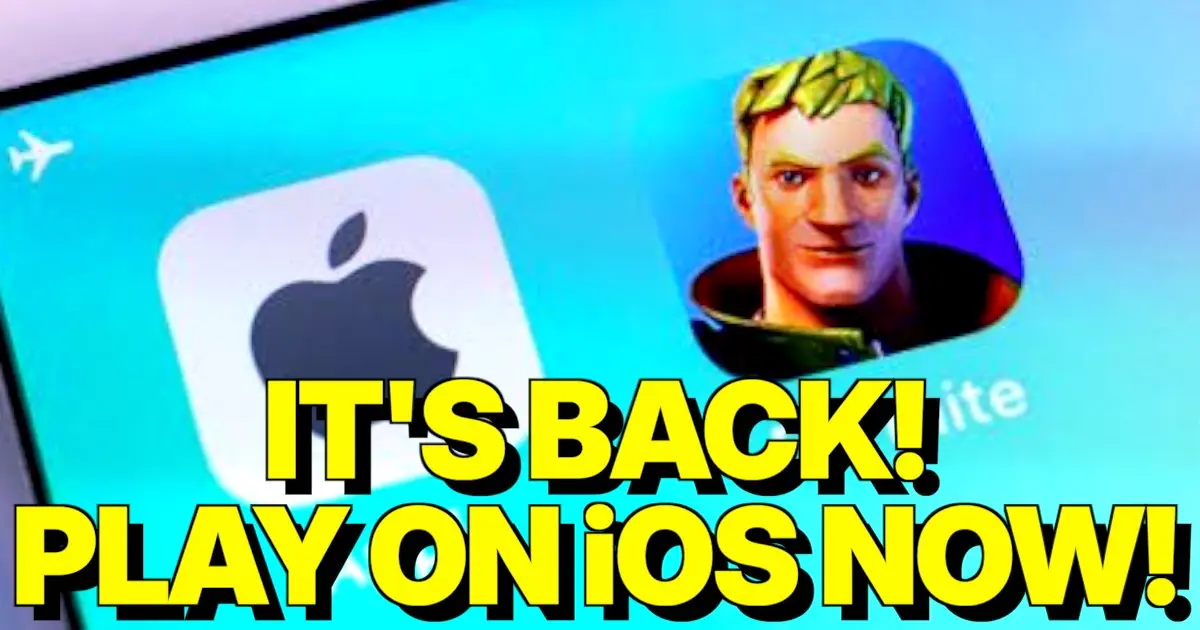
Yoo chat, listen up because this is literally the biggest W of the decade for all the iPhone gamers out there! After years of taking massive Ls and surviving the dark ages without Fortnite on the App Store, the absolute GOAT of battle royales is officially back on iOS! We are not capping right now, you can literally download the game straight to your iPhone using the AltStore and start catching dubs today. Grab your phones and get ready to lock in, because we are about to drop the ultimate sigma tutorial on how to get Fortnite back on your screen!
The Absolute Biggest W: Fortnite Returns to iOS Fr Fr!
Bro, the internet is literally shaking right now because the Apple monopoly just took a massive L! Thanks to some crazy new laws, third-party app stores are finally a thing on iOS 26.2, meaning Apple can’t gatekeep our favorite game anymore. The download button on AltStore is officially active, and people are already dropping into Pleasant Park straight from their iPhones. This is not some sketchy PC sideloading trick from 2020, this is the real deal happening right on your device, no cap!
The Sigma Tutorial: How to Install Fortnite on iPhone
Alright chat, here is the ultimate guide to getting the game, so pay attention and don’t fumble this! First, you need to make sure your iPhone is updated to iOS 26.2 or higher, otherwise, you are going to take an L. Open Safari, head to the official AltStore website, and follow the prompts to download that bad boy. Then, slide into your iPhone Settings, find the App Installation menu, and give AltStore the green light to cook. Once you open AltStore, you gotta add the Epic Games source URL manually (content-download-egs.distro.on.epicgames.com/iOS/altstore/source.json) if it’s not there. Finally, smash that install button on Fortnite, wait for the download, and boom, the GOAT icon is back on your home screen looking bussin! If the install button is bugging out, just delete any crusty old Fortnite apps you still have saved and try again!
Let Them Cook: Official Epic Games Store Dropping in March!
If you think messing with settings is totally not skibidi and you want the easiest way possible, just wait a second because Epic is about to cook! They officially announced that the native iOS Epic Games Store is dropping in March 2026! That means no more cloud gaming lag, just pure, native iPhone performance with a one-tap install straight from Epic themselves. Whether you want to be a gigachad and install it via AltStore today or wait for the official store to drop, the Apple ban is officially over!
Quick Shoutout: Don’t Forget to “Steal the Brainrot”
By the way, once you get Fortnite running on your iPhone, you gotta check out the UEFN map “STEAL THE BRAINROT” by Ferins, AlonGo, and Tekashi. It’s a crazy tycoon PvP map where you literally collect Brainrot, and it’s pure W rizz, so definitely give it a try when you need a break from Battle Royale!
Conclusion: We Are So Back, Chat!
Bro, who would have thought we would actually see the day Fortnite came back to iOS with zero cap! The war with Apple is finally over, and 2026 is looking like the most bussin year for mobile gamers ever. Get your AltStore set up right now, drop into a match, and let’s get those Victory Royales before you finally have to go outside and touch grass!
コメント(Comment)